Wharf is a file transfer app for people who ship to servers all day. Dual-pane transfers, folder sync that shows you the plan before it runs, and live log tails in their own windows.
For Mac · macOS 14 or later · Universal, Apple silicon native · No ads or tracking
14 days free, then $9.99 once · Also on the Mac App Store
Built specifically for Mac, not a cross-platform shell. It behaves like a Mac app because it is one.
One app for all three. Keys, passwords or two-factor codes - and servers behind a bastion host connect as easily as ones on the open internet.
Drag between local and remote, or straight in from Finder. Real speeds, real time remaining, and transfers that resume where they stopped when the connection drops.
Right-click any remote file and follow it live in its own window. Filter to the lines you care about. When the file rotates, Wharf notices and keeps going.
Open a remote file in your usual editor. Every save goes straight back to the server, without downloading and re-uploading by hand.
Preview a file on the server without downloading it first - images, markdown, code, config.
Save every server you use, grouped into folders, and reconnect from the menu bar without opening the app.
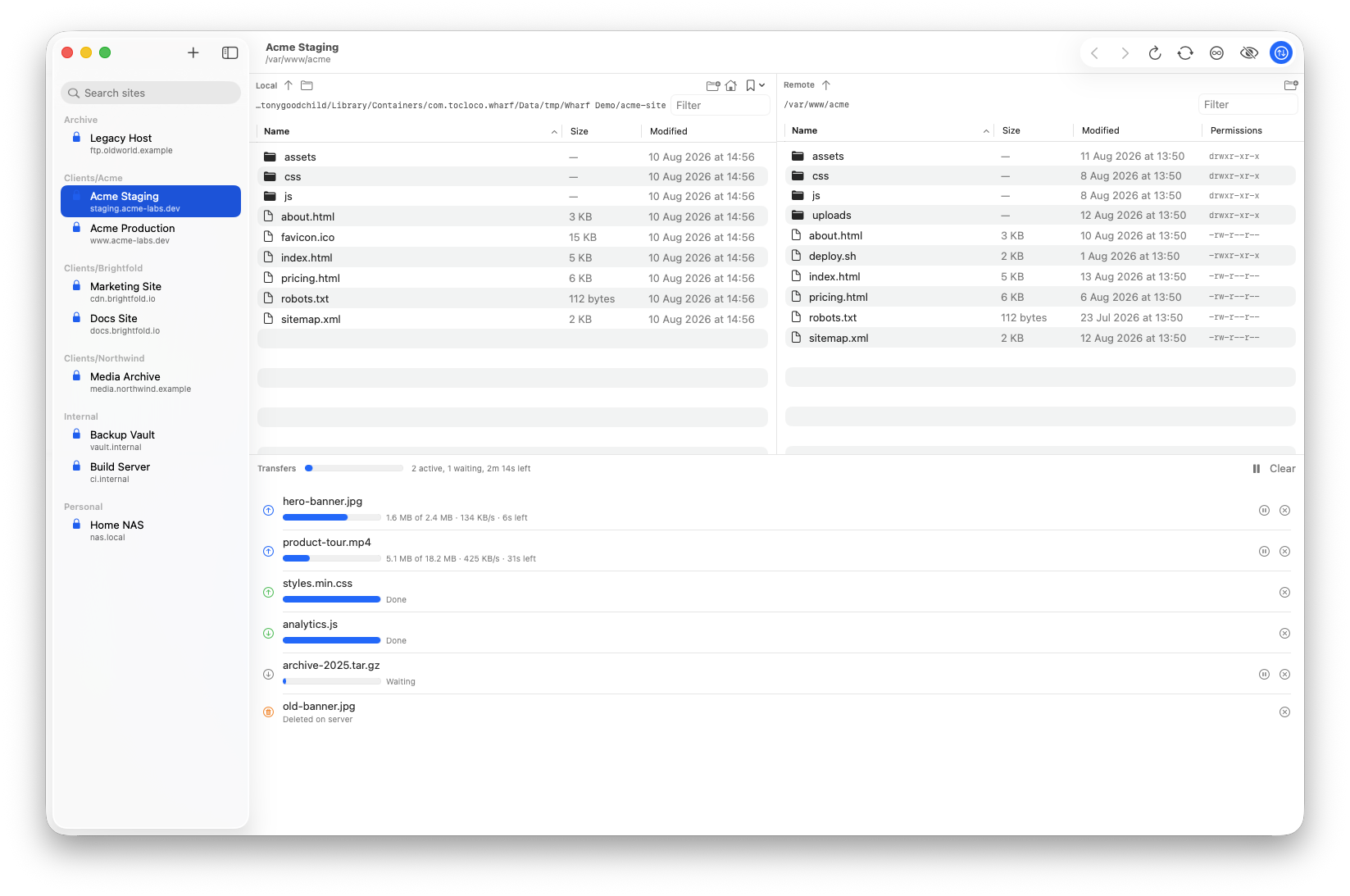
Most sync tools ask you to trust them. Wharf shows you the plan and waits.
Point at a local folder and a remote one. Wharf works out what differs.
See what uploads, what downloads, and every conflict with both sides' size and date.
Newest wins by default. Override any file, or all of them, in one go.
Continuous sync keeps the pair in step until you switch it off.
Deleting files on one side can be mirrored to the other - but only if you ask for it. It's off by default, and Wharf shows you exactly which files would go before removing anything.
Every connection, transfer and deletion is recorded. Filter by site, narrow to just the things that changed data, and export to CSV when someone asks what went to production and when.
No accounts to create, no analytics and no advertising. Your credentials are kept in your Mac's Keychain - never in a plain text config file. The only other thing Wharf ever contacts is wharf-app.com, to check for updates if you bought it here.
$9.99, once. No subscription. Try everything free for 14 days first.
Your license arrives by email and works on all your Macs. Lost it?
Prefer the App Store? Wharf is on the Mac App Store too.
Questions? support@tocloco.com